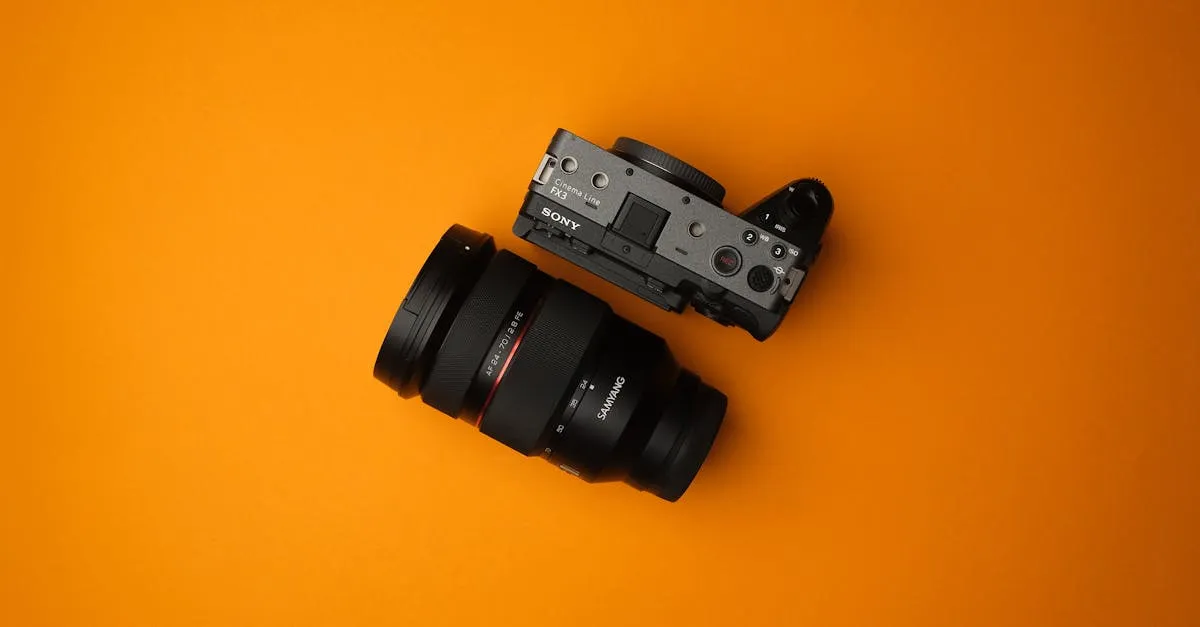
Sony ZV-E10 Review: The Go-To Camera for Course Creators
If you’re a course creator shopping for your first “real” camera, the Sony ZV-E10 is almost certainly on your shortlist. And for good reason — it hits the sweet spot between price, video quality, and the features that actually matter for recording course content.
I’ve spent extensive time shooting with the Sony ZV-E10, and it’s easy to see why it’s become the default recommendation. But that doesn’t mean it’s perfect. Let me walk you through what it does well, where it falls short, and whether it’s the right camera for your setup.
What You Get
The Sony ZV-E10 runs about $700–800 with the 16-50mm kit lens bundled. If you already have Sony glass or want to pick your own lens, the body-only option sits around $500–700. Either way, you’re getting a lot of camera for the money.
Here’s what’s inside:
- 24MP APS-C Exmor CMOS sensor — Sony’s tried-and-true APS-C chip that delivers clean, detailed footage
- 4K video — oversampled from 6K capture, which means your 4K output is sharper than native 4K because it’s pulling detail from a higher-resolution readout
- 1080p up to 120fps — for slow-motion B-roll if you want to get creative with your course visuals
- Flip-out side-mounted screen — fully articulating, so you can see yourself while recording talking-head lessons
- Product Showcase Setting — this is the killer feature, and I’ll get into it in detail below
- Real-time Eye AF — tracks your face and eyes with impressive accuracy, even when you move around
- Built-in directional microphone with included wind screen — surprisingly decent for a camera mic
- 3.5mm mic input — for when you want to step up to a proper external mic
- USB-C — for data transfer and continuous power
- E-mount lens system — access to Sony’s massive APS-C and full-frame lens ecosystem
- Lightweight body — just 10.6 ounces, which matters when you’re mounting it on a tripod arm or carrying it around
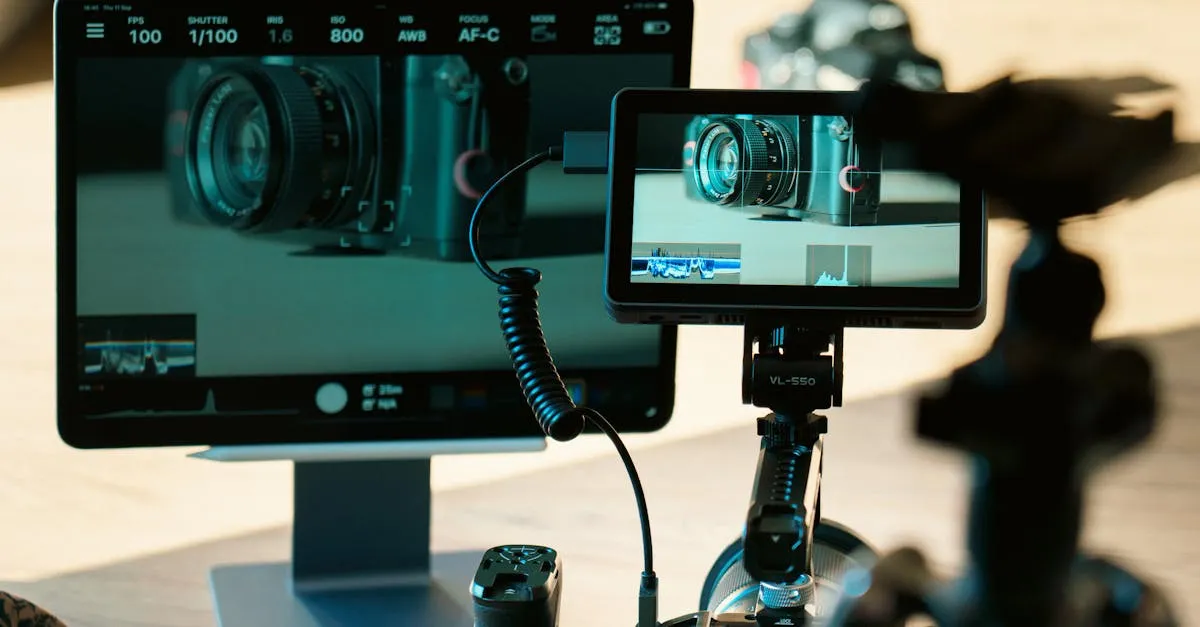
The Standout Feature: Product Showcase Mode
Let me start with the thing that makes the Sony ZV-E10 uniquely valuable for course creators.
Product Showcase Setting is a dedicated mode — accessible with a single button press — that instantly switches the autofocus from your face to whatever object you hold up in front of the camera. Hold up a book, a tool, a prop, a phone screen — the AF locks onto it. Lower the object, and the focus snaps right back to your face. No tapping the screen, no manual focus pulling, no awkward “let me just get this in focus” moments in your video.
If you’re teaching a course where you demonstrate anything physical — showing a textbook, holding up printed materials, demonstrating a tool, reviewing a product — this feature alone is worth the price of admission. I’ve watched creators fumble with manual focus rings and touchscreen taps for years trying to do what this camera does with a single button. It transforms a common frustration into something you don’t even think about.
No other camera at this price point does this as cleanly. Canon’s equivalent AF systems are good but don’t have this one-toggle implementation. Nikon’s APS-C lineup doesn’t touch it. It’s a Sony-specific feature that directly solves a real problem for educators.
Video Quality
The 4K footage from the Sony ZV-E10 is genuinely impressive for the price. The oversampling from 6K means your 4K output is crisp with accurate color rendition and solid dynamic range. For talking-head course videos shot in a controlled lighting environment — which is most course content — this camera produces footage that looks professional.
1080p is also strong, and the 120fps option at 1080p gives you slow-motion capability for B-roll shots. Want to show a close-up of your hands doing something with cinematic slow-mo? You can do that here without buying a separate cinema camera.
Color science is the classic Sony story — accurate but not overly flattering straight out of camera. If you’re used to Canon’s warmer skin tones, Sony’s default look might feel slightly cooler and more neutral. You can adjust this in-camera with picture profiles, or correct it in post. For course content, where you’re typically applying a color grade or LUT anyway, it’s not a dealbreaker. But it’s worth knowing if you’re coming from another brand.
Low-light performance is solid for an APS-C sensor. If you’re recording in a dimly lit home office, you’ll get usable footage — though you’ll see noise creeping in above ISO 3200. Good lighting will always produce better results than relying on sensor performance, but the Sony ZV-E10 handles less-than-ideal conditions respectably.
Autofocus
Sony’s autofocus is arguably the best in the business at this price point, and the Sony ZV-E10 benefits from that pedigree. Real-time Eye AF tracks your eyes with sticky precision — move left, right, lean forward, tilt your head. It stays locked on.
For course creators who move around while teaching (standing at a whiteboard, walking across a room, gesturing energetically), this autofocus reliability is a major quality-of-life improvement. You’re not checking focus between takes. You’re not reshooting because the camera hunted for a second and your face went soft. It just works.
The AF also handles scene transitions well. If someone walks through your frame, or you turn away briefly, the camera recovers quickly and reacquires your face without drama. For live-style recordings where you can’t control everything in the environment, that reliability matters.
Audio
The built-in directional microphone is better than I expected. It’s designed to capture the person in front of the camera while rejecting some off-axis noise. For quick setup recordings — impromptu lessons, behind-the-scenes content, anything where you don’t want to deal with an external mic — it’s serviceable.
But “serviceable” isn’t why you buy a camera like this. The 3.5mm mic input is where the real value is. Plug in a quality microphone like the Rode Wireless GO II or a shotgun mic, and your audio quality jumps significantly. For course content, I’d always recommend using an external mic — your audience will tolerate mediocre video, but bad audio drives them away.
The included wind screen that slips over the built-in mic is a thoughtful touch. If you’re shooting outdoors or near an open window, it does a decent job of cutting wind noise. It’s a small detail, but it shows Sony designed this camera with content creators in mind, not just photographers.
One notable omission: there’s no headphone jack. You can monitor audio levels on the flip screen, which gives you a visual readout, but you can’t plug in headphones to listen in real time. For most course recording scenarios where you’re using a separate audio recorder or USB mic with its own monitoring, this isn’t a showstopper. But if you’re running audio directly into the camera and want to catch problems live, the lack of headphone monitoring is a genuine limitation.
The Drawbacks
I want to be direct about the compromises, because they’re real.
No in-body image stabilization (IBIS). This is the biggest one. The Sony ZV-E10 has no sensor-shift stabilization. If you’re handholding the camera while walking or even standing still with slight body movement, your footage will show it. For course creators, this means you really need a tripod or a gimbal for stable shots. The OSS (Optical SteadyShot) in some Sony lenses helps, but it’s not the same as IBIS. If you’re planning to shoot any handheld content, budget for a stabilization solution.
The kit lens is mediocre. The 16-50mm power zoom lens that comes bundled is functional, but it’s soft at the edges, has a variable maximum aperture (f/3.5-5.6), and the power zoom mechanism feels sluggish. It’s fine for getting started, but it’s not the lens that’s going to make your footage look its best. The good news is that Sony’s E-mount ecosystem is enormous — once you’re ready to upgrade, there are excellent lenses at every price point. The Sigma 16mm f/1.4 and the Sigma 30mm f/1.4 are popular upgrades for video-focused creators.
Sony’s menu system. If you’ve used Sony cameras before, you know. The menus are deep, layered, and not organized in a way that feels intuitive. Finding a specific setting often requires clicking through multiple levels of nested menus. It’s learnable — after a few weeks, you’ll know where everything is — but the learning curve is steeper than it needs to be. Canon and Panasonic both do menus better. This isn’t a dealbreaker, just a frustration you should expect.
Battery life is modest. You’re looking at roughly 440 shots or about 80 minutes of continuous video recording per charge. For longer recording sessions — which course creators frequently do — you’ll want at least one spare battery. USB-C power delivery means you can run the camera off a power bank or wall adapter for continuous power, which solves the problem for studio shooting. But for any mobile or on-location work, pack extra batteries.
No weather sealing. Don’t shoot in the rain. Don’t shoot near the ocean with sea spray. Don’t set it down on a wet surface. The Sony ZV-E10 is an indoor camera that can go outside in fair weather. If your course content involves outdoor shooting in variable conditions, this is a limitation to keep in mind.
What About the ZV-E10 II?
Sony released the Sony ZV-E10 Mark II at around $900–1,000. It bumps the sensor to 26MP, improves autofocus performance, and adds some quality-of-life improvements. The AF in the Mark II is noticeably snappier, especially in challenging lighting.
Here’s my honest take: the original Sony ZV-E10 is still the better value for most course creators. The improvements in the Mark II are real but incremental. You’re paying $200–300 more for modest gains in AF speed and sensor resolution — things that don’t dramatically change the quality of a talking-head course video. If money isn’t a factor, the Mark II is the better camera. But dollar-for-dollar, the original is the smarter buy.
Who Should Buy It
The Sony ZV-E10 is the right camera if:
- You’re upgrading from a webcam or smartphone. The jump in video quality is immediately noticeable. Your course content will look significantly more professional.
- You show objects to the camera. Product Showcase mode is a killer feature for course creators who hold up books, tools, documents, or products during lessons.
- You want interchangeable lenses. The ability to swap lenses means you can start with the kit lens and upgrade over time as your budget and needs evolve.
- You’re on a budget but need real camera quality. At $700–800 with a lens, this delivers footage that rivals cameras costing twice as much.
- You want a camera you can grow into. The E-mount ecosystem gives you access to hundreds of lenses. This camera won’t box you in.
Who Should Look Elsewhere
Skip the Sony ZV-E10 if:
- You need in-body stabilization and shoot handheld frequently. Without IBIS, handheld footage is shaky. Look at cameras with built-in stabilization, or plan to invest in a gimbal.
- You want to monitor audio with headphones through the camera. No headphone jack means you’re relying on visual levels or a separate audio monitoring path.
- You shoot in rough conditions. No weather sealing means this camera stays inside or in fair weather only.
- You’re a complete beginner who wants point-and-shoot simplicity. The Sony menus and the concept of interchangeable lenses add complexity. If you want something you can set up in two minutes without thinking about settings, a high-end webcam might serve you better initially.
How It Compares
For the full breakdown, check out my Best Cameras for Online Courses guide. But here’s the short version:
- vs. Sony ZV-E10 II — Better AF and a newer sensor, but $200–300 more. Worth it if budget allows, but the original is the better value.
- vs. Sony ZV-1 — The ZV-1 has a fixed lens and a smaller 1-inch sensor. It’s more compact but less versatile. The Sony ZV-E10 wins on image quality and lens flexibility.
- vs. Canon EOS R50 — Canon has better color science and a friendlier menu system, but Sony’s autofocus and Product Showcase mode give it the edge for course creators who show objects to camera.
See all my gear recommendations on the Equipment page.
Setting It Up for Course Recording
Here’s how I’d configure the Sony ZV-E10 for optimal course video:
- Mount it on a solid tripod — this eliminates the stabilization issue entirely. Position the camera at eye level for the most flattering talking-head angle.
- Set recording to 4K 24fps or 30fps — 4K gives you room to crop in post if needed. 24fps has a cinematic feel; 30fps is standard for educational content.
- Enable Product Showcase Setting and assign it to a custom button for quick access.
- Use autofocus in continuous mode with Eye AF enabled — set it and forget it.
- Run an external microphone into the 3.5mm jack. Your audio quality should match your video quality. Check out my Produce Your Course Videos guide for the full audio/video workflow.
- Power via USB-C if you’re recording at a desk — this eliminates battery concerns for long sessions.
Final Verdict
The Sony ZV-E10 is the camera most course creators should buy. It’s not the absolute best camera on the market, but it’s the best camera for the price point with features specifically designed for content creators. The 4K video quality is excellent, the autofocus is reliable, and Product Showcase mode solves a real problem that no competitor addresses as well.
The lack of IBIS, the mediocre kit lens, and the confusing menus are legitimate drawbacks. But they’re drawbacks you can work around — tripods solve the stabilization problem, lens upgrades are available at every budget, and the menu system is learnable with a few weeks of use.
At $700–800 with a lens, the Sony ZV-E10 delivers professional-looking video without the professional price tag. If you’re serious about creating online courses and you’re ready to move beyond your webcam, this is where I’d tell you to start.
Rating: 8.5/10 — Deducted for no IBIS, no headphone jack, and the Sony menu experience. But the video quality, autofocus, and Product Showcase mode make it the top recommendation for course creators at this price.
Frequently Asked Questions
What is Product Showcase Mode?
Instantly switches autofocus from your face to any object you hold up, then snaps back when you lower it. Eliminates awkward fumbling when demonstrating physical materials.
Can I use it handheld without stabilization issues?
No in-body stabilization, so handheld footage shows noticeable shake. You need a tripod for stable shots or a gimbal for movement.
Is the kit lens worth keeping?
Functional but soft at edges with sluggish power zoom. Fine to learn on, but plan to upgrade to Sigma 16mm f/1.4 or 30mm f/1.4 when you want footage to look its best.
Why no headphone jack?
A genuine limitation preventing real-time audio monitoring. You can see visual level indicators on the flip screen, but for catching audio problems live you need a separate monitoring path.
ZV-E10 II vs original?
Mark II has newer 26MP sensor and snappier autofocus but costs $200-300 more. For talking-head course content, the original delivers nearly identical results at better value.
You Might Also Like
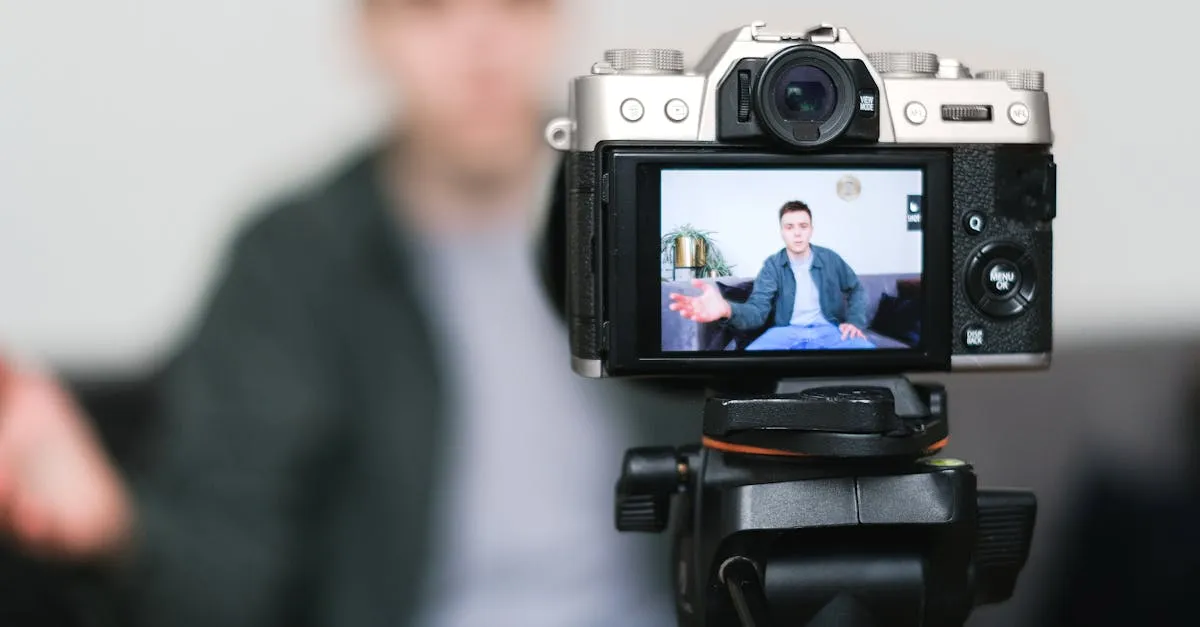
Best Cameras for Online Courses (2026): From Webcam to Mirrorless
Your students will tolerate bad video. They won't tolerate bad audio. But good video sets you apart. Here's every camera option for course creators — from $80 webcams to $600 mirrorless.
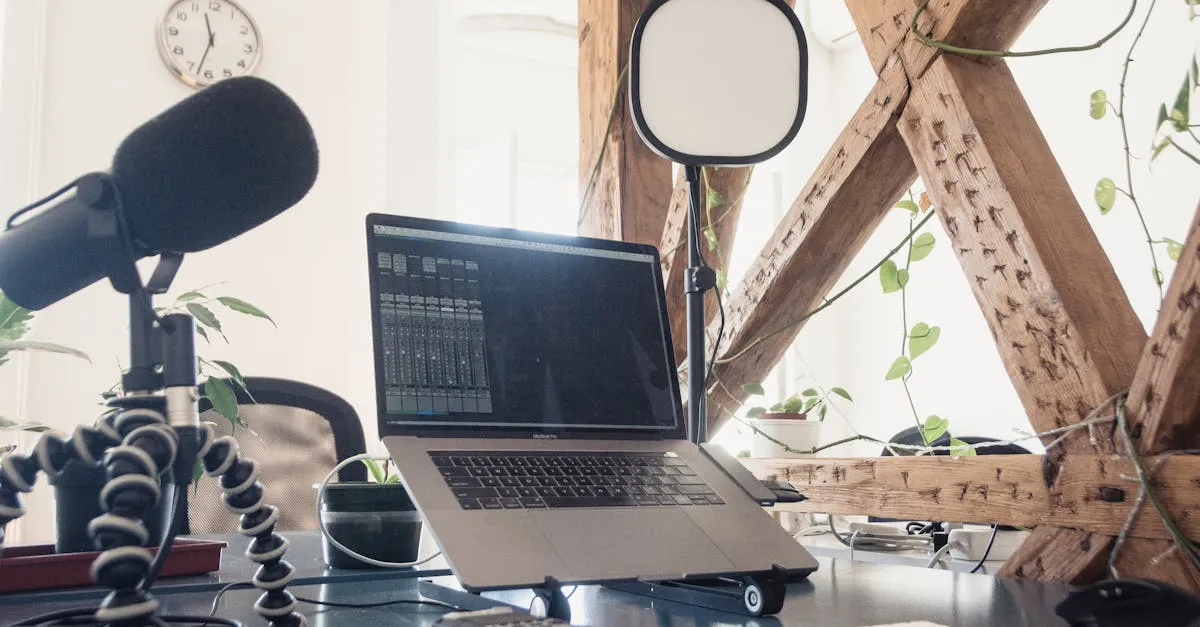
Best Microphones for Online Courses (2026): USB, XLR, and Wireless
Bad audio kills more courses than bad video. I tested every microphone a course creator might need — from $50 budget picks to professional studio setups.
Best USB Microphones Under $100 for Course Creators (2026)
You don't need to spend $300 on a microphone to sound professional. Here are the best USB mics under $100 that will make your course audio clean and clear.